Securing Autonomous Agents - Introducing Nvidia NemClaw
Autonomous AI agents are transforming how developers work, write code, and interact with tools. Frameworks like OpenClaw have made it incredibly easy to deploy always-on assistants. However, this power introduces a critical challenge: security. Giving an autonomous LLM unfettered access to your local filesystem and network is a recipe for unintended consequences.
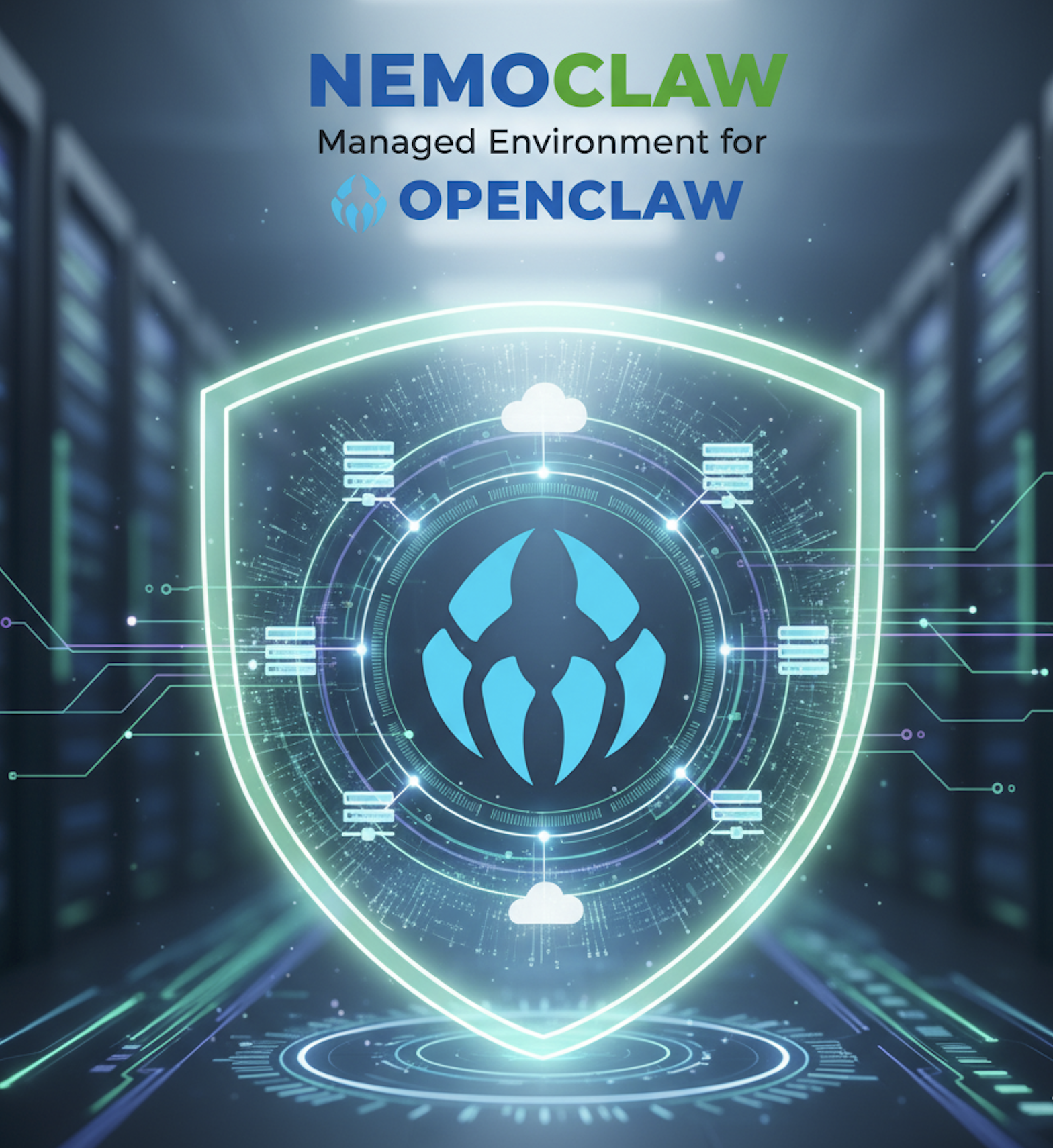
To bridge the gap between autonomous capability and enterprise-grade security, NVIDIA has introduced NemoClaw, an open-source stack that securely runs OpenClaw assistants inside the NVIDIA OpenShell runtime.
NemoClaw allows developers to leverage state-of-the-art models—like Nemotron 3 Super 120B — while enforcing strict, declarative policies over what the agent can read, write, and access on the network.
Here is a detailed look at what NemoClaw is, how its architecture protects your environment, and how you can get started.
What is NemoClaw?
At its core, NemoClaw is an integration layer. It connects the OpenClaw agent framework with NVIDIA OpenShell, a secure, containerized environment for running autonomous agents.
When you deploy an agent with NemoClaw, it does not run directly on your host machine. Instead, NemoClaw provisions an isolated sandbox where every network request, file access, and inference call is governed by declarative policy.
NemoClaw is composed of two primary pieces:
- The Plugin: A lightweight TypeScript package that adds commands to the OpenClaw CLI (under the
openclaw nemoclawnamespace) to manage the sandbox. - The Blueprint: A versioned Python artifact that contains the logic for creating the sandbox, applying security policies, and configuring AI inference routing.
The Four Protection Layers
NemoClaw protects your host environment by placing the agent in a “strict-by-default” sandbox. This is achieved through four distinct protection layers:
1. Network Control and Operator Approval
The agent can only communicate with endpoints explicitly listed in its configuration policy. By default, the sandbox permits essential traffic (like GitHub or npm) but blocks everything else.
If the agent attempts to reach an unlisted host, the request is intercepted. NemoClaw surfaces the blocked request in a Terminal UI (TUI). As the operator, you can inspect the destination host, port, and requesting binary, and choose to approve or deny the request in real time. Approved endpoints are immediately added to the running session.
2. Filesystem Isolation
The agent operates under a dedicated sandbox user. It is granted read-write access exclusively to /sandbox and /tmp. The rest of the system—including /usr, /etc, and /var/log—is strictly read-only, preventing the agent from modifying critical system files or accessing host secrets.
3. Process Restrictions
The sandbox environment uses Linux Security Modules (like Landlock and seccomp) on a best-effort basis to block privilege escalation and restrict access to dangerous system calls.
4. Transparent Inference Routing
Inference requests generated by the agent never leave the sandbox directly. OpenShell intercepts these calls and routes them to a configured backend provider. This allows you to securely manage API keys on the host without ever exposing them to the agent itself.
Flexible Inference Profiles
NemoClaw ships with three built-in inference profiles, allowing developers to scale from offline local development to enterprise cloud deployments seamlessly. You can switch between these profiles at runtime without restarting the sandbox.
- NVIDIA Cloud (
default): Routes traffic to NVIDIA’s cloud-hosted APIs via build.nvidia.com. It utilizes the highly capablenvidia/nemotron-3-super-120b-a12bmodel. - Local NIM (
nim-local): For organizations requiring strict data privacy, this profile routes inference to an NVIDIA NIM container running on your local network. - Local vLLM (
vllm): Designed for offline development and testing. It routes requests to a vLLM server running on the host machine, defaulting to the highly efficientnvidia/nemotron-3-nano-30b-a3bmodel.
Switching models is a single command:
1
$ openshell inference set --provider vllm-local --model nvidia/nemotron-3-nano-30b-a3b
Remote Deployment and Integration
NemoClaw is designed for modern development workflows. If you need more compute power than your local machine can provide, NemoClaw integrates with Brev to deploy your sandbox directly to a remote GPU instance.
1
$ nemoclaw deploy my-gpu-box
Additionally, NemoClaw includes a built-in Telegram Bridge. By configuring a Telegram bot token and starting NemoClaw’s auxiliary services, you can chat with your sandboxed agent directly from your phone. The agent’s external network requests will still be routed to your host TUI for approval, ensuring you remain in control of its actions.
Getting Started
Prerequisites
- Linux Ubuntu 22.04 LTS (or later)
- Docker installed and running
- An NVIDIA API key (for cloud inference)
Installation
You can install NemoClaw and run the guided onboarding wizard in just a few commands:
1
2
3
$ git clone https://github.com/NVIDIA/NemoClaw.git
$ cd NemoClaw
$ ./install.sh
The installer handles setting up Node.js, building the sandbox, configuring your chosen inference endpoint, and applying the baseline security policies.
Once setup is complete, connect to your sandbox and start interacting with your secure assistant:
1
2
$ nemoclaw my-assistant connect
sandbox@my-assistant:~$ openclaw agent --agent main --local -m "Hello, world!" --session-id test
To monitor your agent’s network requests, open a separate terminal and launch the OpenShell TUI:
1
$ nemoclaw term
Conclusion
Building reliable AI agents requires more than just capable models; it requires a secure, manageable, and observable runtime environment. NVIDIA NemoClaw provides developers with the guardrails necessary to experiment with autonomous agents safely.
Visit the NVIDIA NemoClaw GitHub Repository to access the source code, review the architecture, and start building securely today.